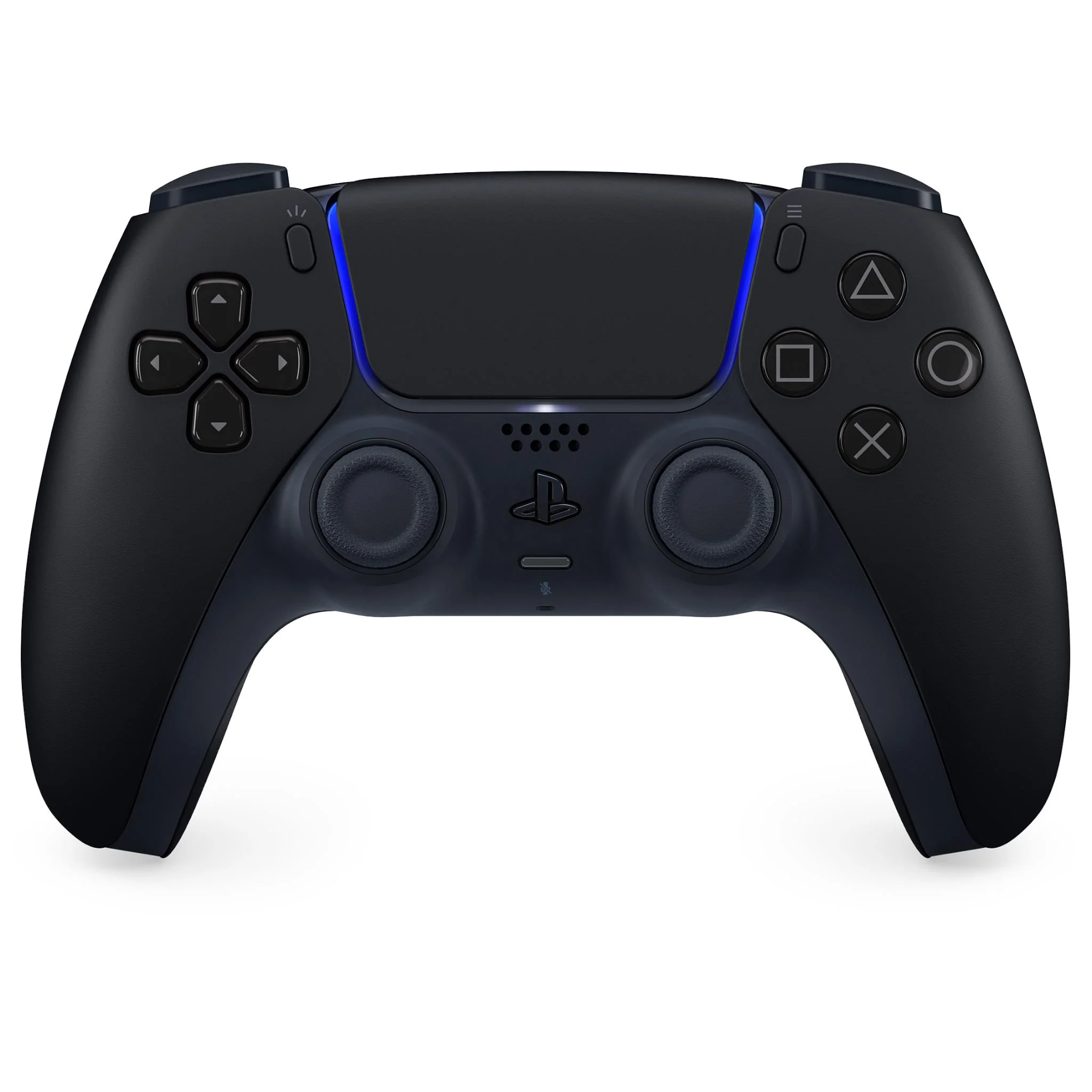
DualSense® Wireless Controller + USB Cable for PC (Midnight Black)
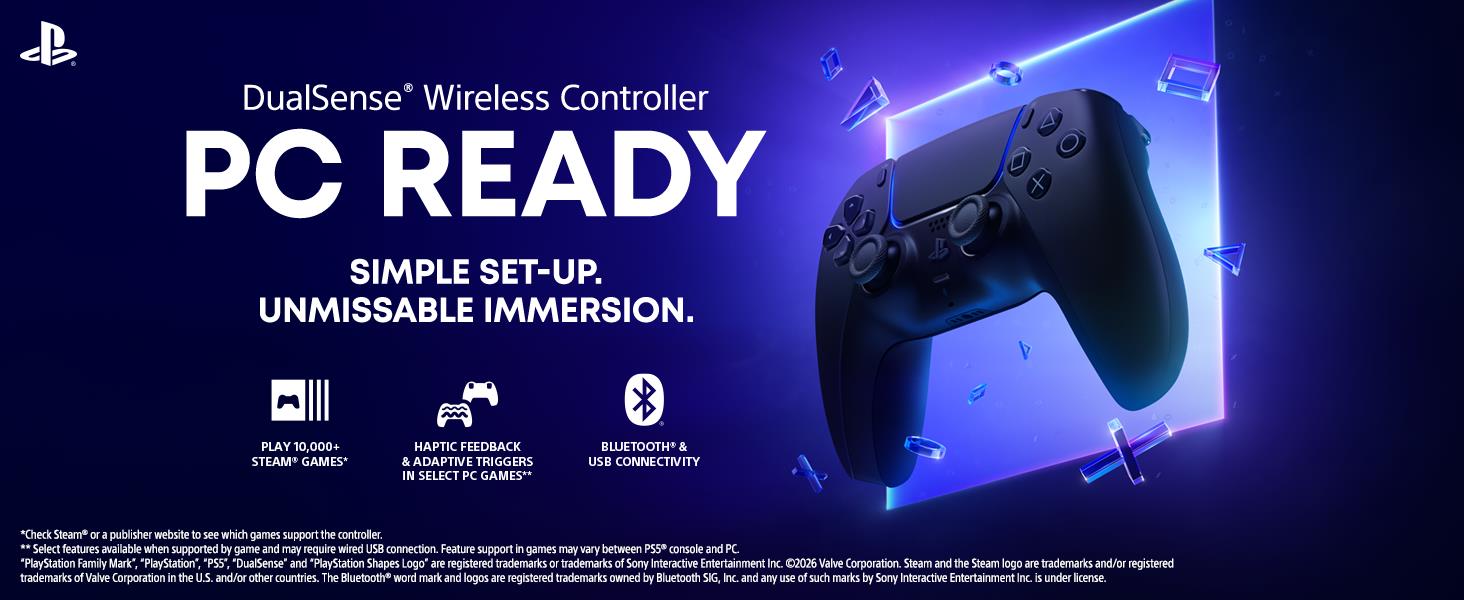
Bring PC gaming to life in your hands1 with the groundbreaking controller from PlayStation®.
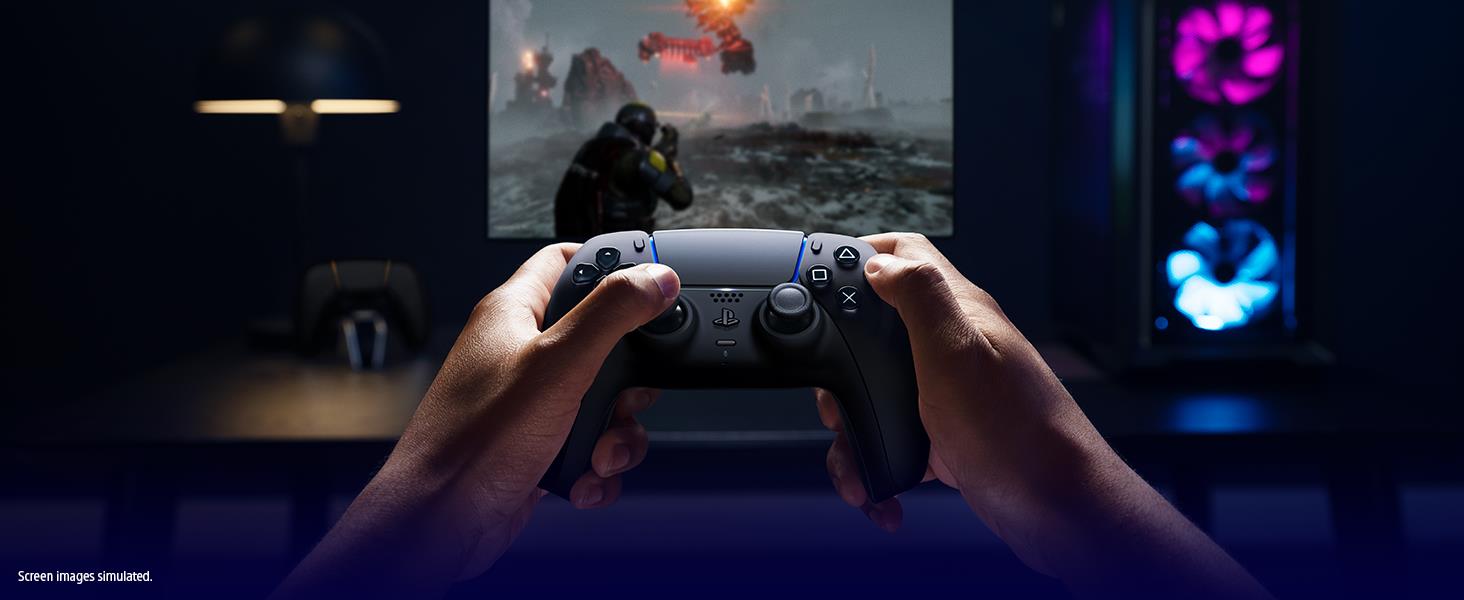
Easily connect to Windows PC via Bluetooth® or USB cable and enjoy precise, comfortable control over a huge range of officially supported Steam® games2.
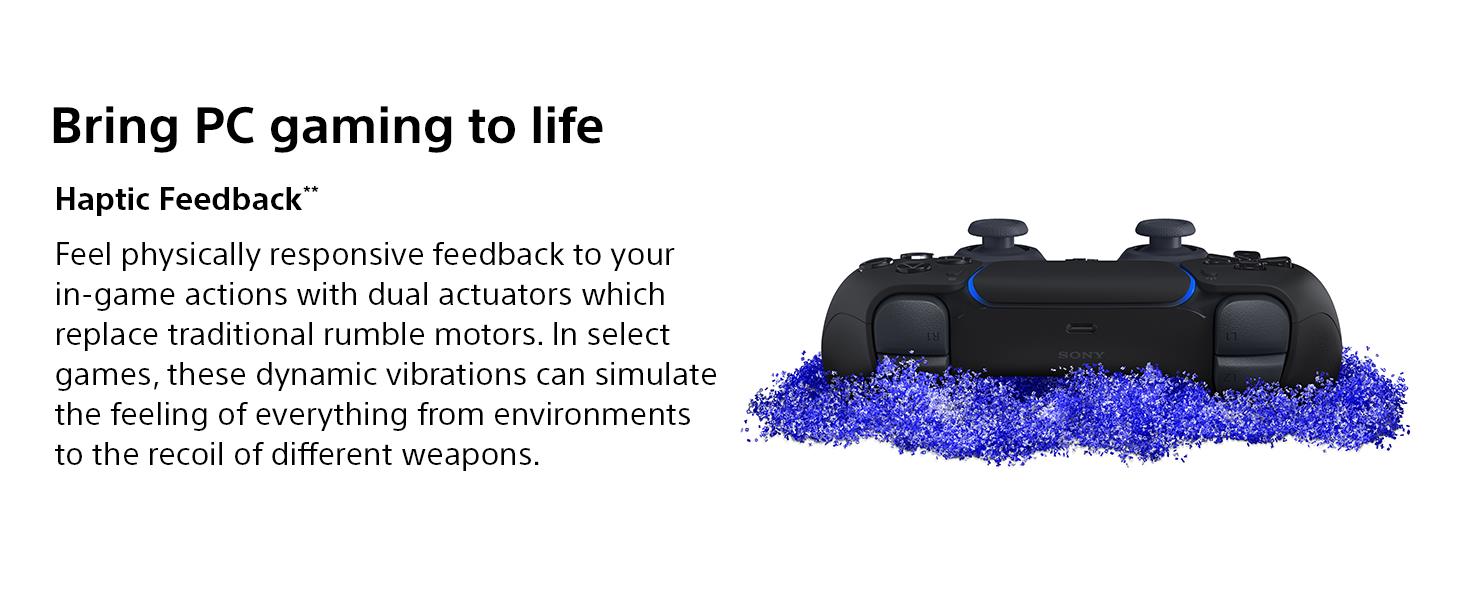
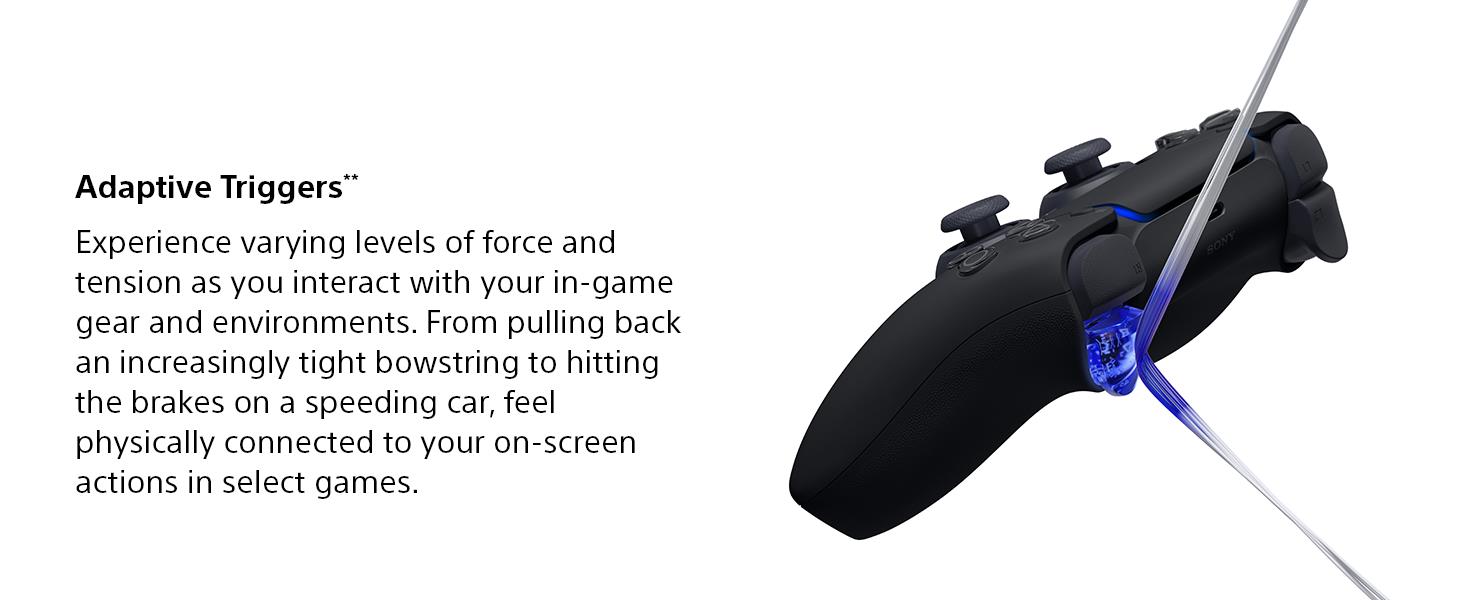
Unleash the controller’s full immersive power in select PC titles1 to discover unmissable experiences that draw you closer to epic action and extraordinary worlds. Feel tangible tension at your fingertips as you interact with weapons, items and environments through adaptive triggers, while haptic feedback simulates a spectrum of sensations from light rain to huge explosions.
Optimise your experience with the PlayStation® Accessories app. Free to download, the app enables you to update your controller firmware directly on Windows PC - so you know you’re always getting the best possible experience.
Whether you’re seeking unmissable immersion or comfortable control, the DualSense wireless controller is ready for your PC play.
Key Features
PC Ready
• Enjoy precise, comfortable control over 10,000+ supported Steam® games. Find your next controller-friendly adventure on Steam® by visiting https://store.steampowered.com/controller/
• Easily pair the controller directly to your Windows PC via Bluetooth® or play as you charge with the included USB Type-C® cable
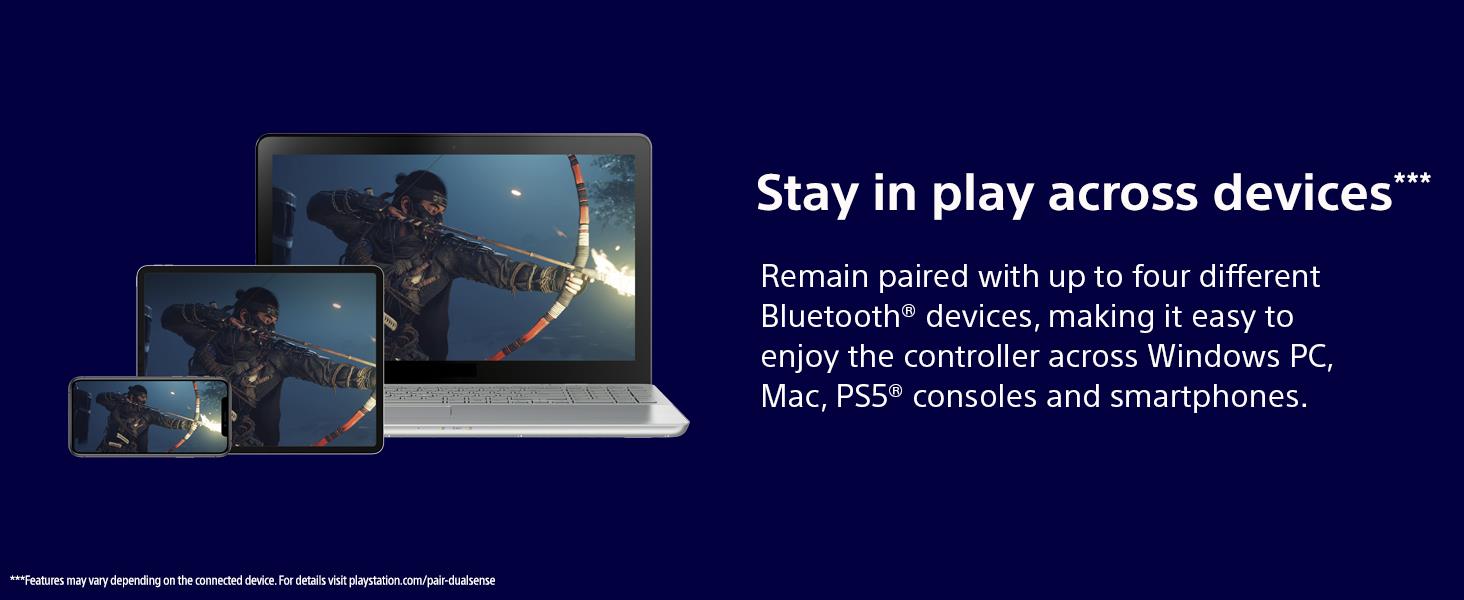
• Stay paired with up to four different Bluetooth® devices, making it easy to enjoy the controller across Windows PC, Mac, PS5® consoles and smartphones. Discover more connection tips and tricks at playstation.com/pair-dualsense
• Access the latest available controller firmware directly from your PC with the free-to-download PlayStation® Accessories app
• Play games streamed from your PS5® or PS4® console to your PC via the PS Remote Play App3
Unmissable Immersion
• Experience breathtaking haptic feedback and adaptive triggers in select PC games that draw you closer to the epic action and extraordinary worlds1
• Feel dynamic tension at your fingertips as you interact with weapons, items and environments
• Sense everything from rain drops to explosions simulated through precise vibrations
Designed by PlayStation®
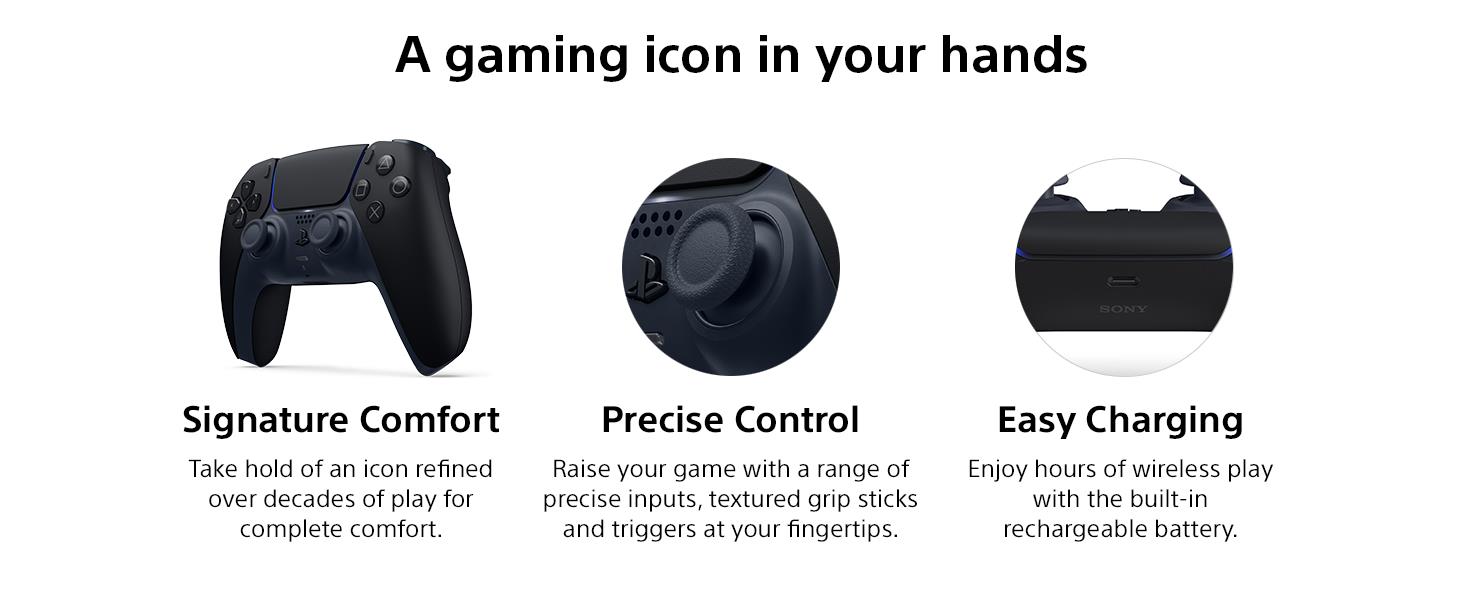
• Take hold of a gaming icon refined over decades of play for complete comfort
• Enjoy hours of wireless play with the built-in rechargeable battery
• Play with precision with a range of inputs, textured grip sticks and triggers
1. Select features available when supported by game and may require wired USB connection. Feature support in games may vary between PS5® console and PC.
2. Check Steam® or a publisher website to see which games support the controller.
3. PS Remote Play requires Remote Play App, PS4® or PS5® console connected to a broadband network with at least 5Mpbs, the latest system software and compatible game. A PS4 or PS5 console with a wired connection via a LAN cable is recommended. In PS4 games streamed via Remote Play, haptic feedback is replaced with basic rumble and adaptive triggers are not supported.
• To connect or charge the controller use the cable included in this box or the PS5® console box.
• Always update your wireless controller device software to the latest version available via the PlayStation® Accessories app for Windows PC (download at rd.playstation.com/controller/fwupdater/) or PS5® console.
• Carefully read the documentation supplied with this product before using.
• Commercial use, rental or leasing of this product is prohibited to the extent allowed by law.
• Design and specifications are subject to change without notice.
Bring PC gaming to life in your hands1 with the groundbreaking controller from PlayStation®.
Easily connect to Windows PC via Bluetooth® or USB cable and enjoy precise, comfortable control over a huge range of officially supported Steam® games2.
Unleash the controller’s full immersive power in select PC titles1 to discover unmissable experiences that draw you closer to epic action and extraordinary worlds. Feel tangible tension at your fingertips as you interact with weapons, items and environments through adaptive triggers, while haptic feedback simulates a spectrum of sensations from light rain to huge explosions.
Optimise your experience with the PlayStation® Accessories app. Free to download, the app enables you to update your controller firmware directly on Windows PC - so you know you’re always getting the best possible experience.
Whether you’re seeking unmissable immersion or comfortable control, the DualSense wireless controller is ready for your PC play.
Key Features
PC Ready
• Enjoy precise, comfortable control over 10,000+ supported Steam® games. Find your next controller-friendly adventure on Steam® by visiting https://store.steampowered.com/controller/
• Easily pair the controller directly to your Windows PC via Bluetooth® or play as you charge with the included USB Type-C® cable
• Stay paired with up to four different Bluetooth® devices, making it easy to enjoy the controller across Windows PC, Mac, PS5® consoles and smartphones. Discover more connection tips and tricks at playstation.com/pair-dualsense
• Access the latest available controller firmware directly from your PC with the free-to-download PlayStation® Accessories app
• Play games streamed from your PS5® or PS4® console to your PC via the PS Remote Play App3
Unmissable Immersion
• Experience breathtaking haptic feedback and adaptive triggers in select PC games that draw you closer to the epic action and extraordinary worlds1
• Feel dynamic tension at your fingertips as you interact with weapons, items and environments
• Sense everything from rain drops to explosions simulated through precise vibrations
Designed by PlayStation®
• Take hold of a gaming icon refined over decades of play for complete comfort
• Enjoy hours of wireless play with the built-in rechargeable battery
• Play with precision with a range of inputs, textured grip sticks and triggers
1. Select features available when supported by game and may require wired USB connection. Feature support in games may vary between PS5® console and PC.
2. Check Steam® or a publisher website to see which games support the controller.
3. PS Remote Play requires Remote Play App, PS4® or PS5® console connected to a broadband network with at least 5Mpbs, the latest system software and compatible game. A PS4 or PS5 console with a wired connection via a LAN cable is recommended. In PS4 games streamed via Remote Play, haptic feedback is replaced with basic rumble and adaptive triggers are not supported.
• To connect or charge the controller use the cable included in this box or the PS5® console box.
• Always update your wireless controller device software to the latest version available via the PlayStation® Accessories app for Windows PC (download at rd.playstation.com/controller/fwupdater/) or PS5® console.
• Carefully read the documentation supplied with this product before using.
• Commercial use, rental or leasing of this product is prohibited to the extent allowed by law.
• Design and specifications are subject to change without notice.
Original: $64.28
-70%$64.28
$19.28Description
Bring PC gaming to life in your hands1 with the groundbreaking controller from PlayStation®.
Easily connect to Windows PC via Bluetooth® or USB cable and enjoy precise, comfortable control over a huge range of officially supported Steam® games2.
Unleash the controller’s full immersive power in select PC titles1 to discover unmissable experiences that draw you closer to epic action and extraordinary worlds. Feel tangible tension at your fingertips as you interact with weapons, items and environments through adaptive triggers, while haptic feedback simulates a spectrum of sensations from light rain to huge explosions.
Optimise your experience with the PlayStation® Accessories app. Free to download, the app enables you to update your controller firmware directly on Windows PC - so you know you’re always getting the best possible experience.
Whether you’re seeking unmissable immersion or comfortable control, the DualSense wireless controller is ready for your PC play.
Key Features
PC Ready
• Enjoy precise, comfortable control over 10,000+ supported Steam® games. Find your next controller-friendly adventure on Steam® by visiting https://store.steampowered.com/controller/
• Easily pair the controller directly to your Windows PC via Bluetooth® or play as you charge with the included USB Type-C® cable
• Stay paired with up to four different Bluetooth® devices, making it easy to enjoy the controller across Windows PC, Mac, PS5® consoles and smartphones. Discover more connection tips and tricks at playstation.com/pair-dualsense
• Access the latest available controller firmware directly from your PC with the free-to-download PlayStation® Accessories app
• Play games streamed from your PS5® or PS4® console to your PC via the PS Remote Play App3
Unmissable Immersion
• Experience breathtaking haptic feedback and adaptive triggers in select PC games that draw you closer to the epic action and extraordinary worlds1
• Feel dynamic tension at your fingertips as you interact with weapons, items and environments
• Sense everything from rain drops to explosions simulated through precise vibrations
Designed by PlayStation®
• Take hold of a gaming icon refined over decades of play for complete comfort
• Enjoy hours of wireless play with the built-in rechargeable battery
• Play with precision with a range of inputs, textured grip sticks and triggers
1. Select features available when supported by game and may require wired USB connection. Feature support in games may vary between PS5® console and PC.
2. Check Steam® or a publisher website to see which games support the controller.
3. PS Remote Play requires Remote Play App, PS4® or PS5® console connected to a broadband network with at least 5Mpbs, the latest system software and compatible game. A PS4 or PS5 console with a wired connection via a LAN cable is recommended. In PS4 games streamed via Remote Play, haptic feedback is replaced with basic rumble and adaptive triggers are not supported.
• To connect or charge the controller use the cable included in this box or the PS5® console box.
• Always update your wireless controller device software to the latest version available via the PlayStation® Accessories app for Windows PC (download at rd.playstation.com/controller/fwupdater/) or PS5® console.
• Carefully read the documentation supplied with this product before using.
• Commercial use, rental or leasing of this product is prohibited to the extent allowed by law.
• Design and specifications are subject to change without notice.